Understand Cost, Margin, and Profit
Written By GoCSM
Last updated 4 months ago
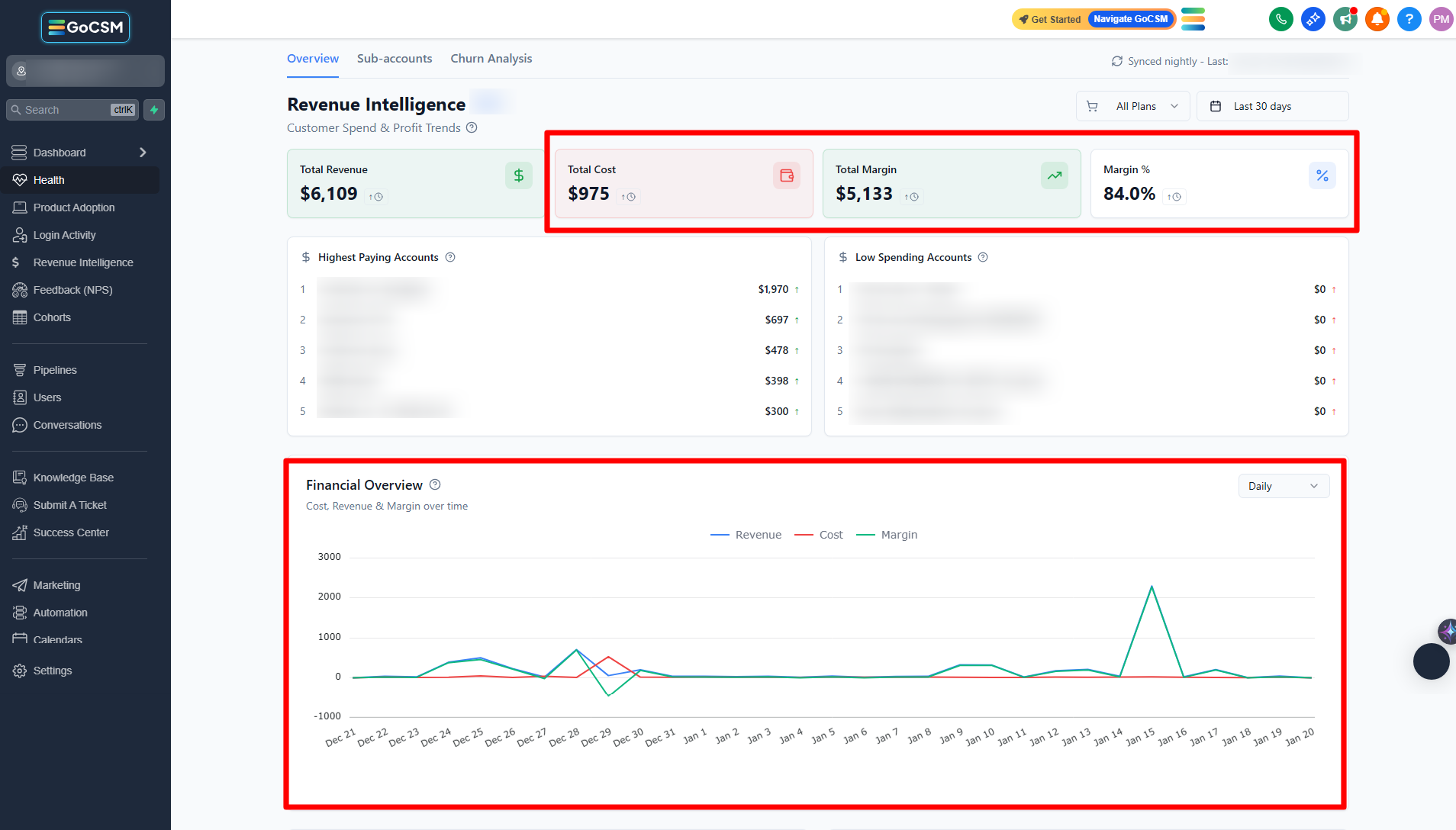
This article explains how cost, margin, and profit are calculated and displayed inside GoCSM’s Revenue Intelligence.
These numbers help you understand not just how much revenue you’re generating, but how much of it you actually keep.
Why This Matters
High revenue does not always mean a healthy business.
Understanding cost and margin helps you:
See which revenue is truly profitable
Identify services that cost more than they return
Avoid scaling low-margin accounts
Make smarter pricing and packaging decisions
This is especially important when you offer usage-based services.
Where to Find It
Path: Dashboard → Revenue Intelligence → Overview
How It Works
GoCSM compares revenue earned against cost incurred for each account, plan, and service.
From that comparison, it calculates:
Cost
Margin (profit)
Margin percentage
These values update automatically based on usage and billing activity.
Key Terms Explained
Cost
Cost represents what it takes to deliver services to your customers.
This can include:
Usage-based services (SMS, AI, calls, emails, ads)
Other billable services tied to customer activity
Not all plans or services have costs associated with them.
Margin
Margin is the amount left after cost is subtracted from revenue.
Margin = Revenue − Cost
This shows how much profit a customer, plan, or service is generating.
Margin Percentage
Margin % shows how efficient your revenue is.
It tells you:
How much of each dollar you keep
Whether growth is profitable or risky
A higher percentage means stronger profitability.
How to Read Cost and Margin Trends
Rising revenue with stable costs = healthy growth
Rising costs faster than revenue = margin pressure
Sudden margin drops often point to usage spikes
Always review trends over time, not a single day.
Tips
Review margin regularly, not just revenue
Watch for high-revenue accounts with low margins
Use margin insights to adjust pricing or usage limits
Who Should Use This
Agency owners
Operations and finance teams
Customer Success Managers
Related Articles
How to Use the Revenue Overview Dashboard
Understand Revenue by Product and Service
Review Revenue at the Account Level
Identify Revenue at Risk from Failed Payments