Understand Average Revenue Per Account
Written By GoCSM
Last updated 8 months ago
What This Is
Average Revenue Per Account shows how much revenue you earn, on average, from each active account.
This helps you understand account value, not just total revenue.
Why This Matters
Total revenue can grow while account value stays flat or even declines.
Average Revenue Per Account helps you:
Measure the quality of your revenue
Spot upsell and expansion opportunities
Identify hidden revenue risk behind stable totals
This is especially useful for agencies managing many accounts at different price points.
Where to Find It
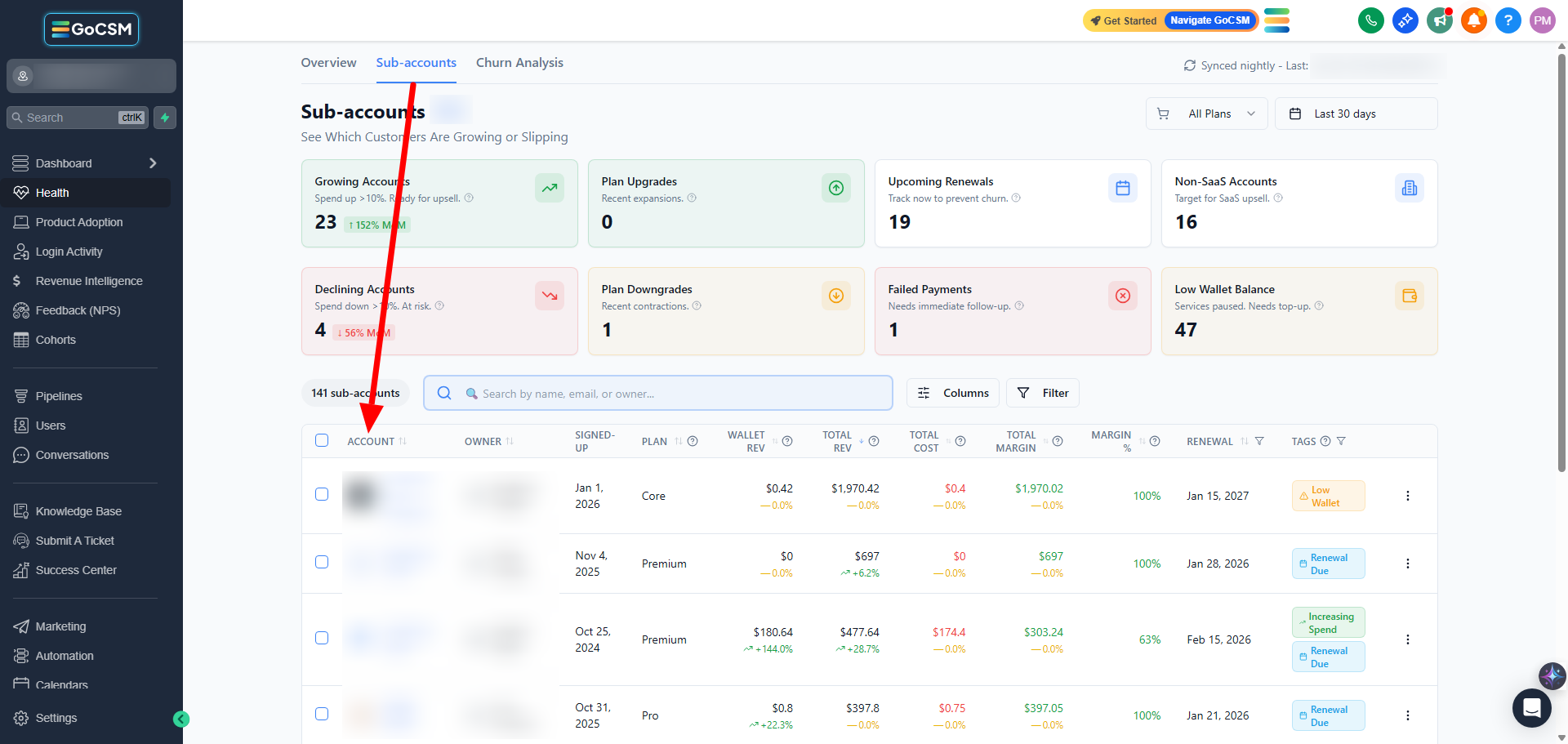
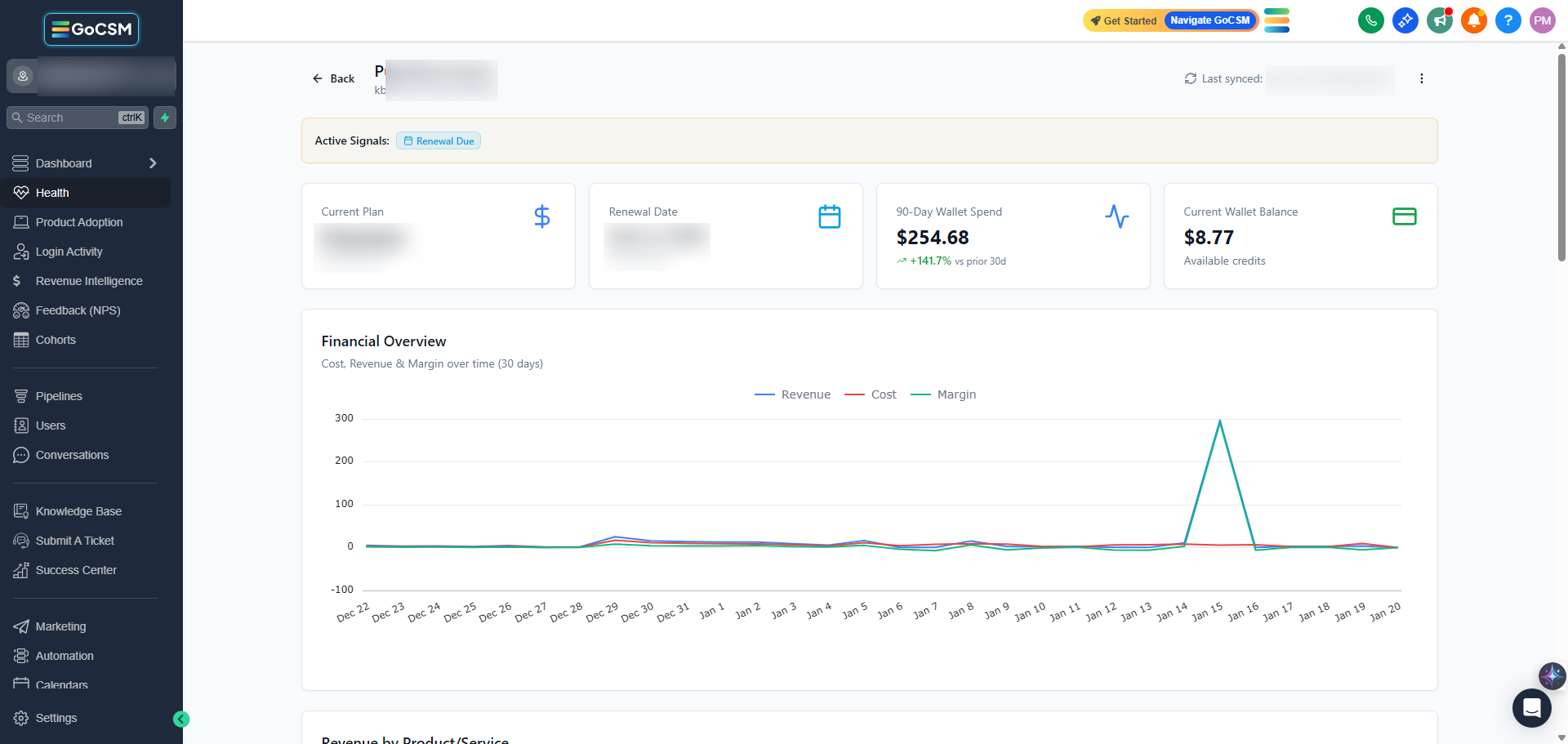
Path: Dashboard → Revenue Intelligence → Sub-accounts
How It Works
GoCSM calculates this metric by dividing total revenue by the number of active accounts.
It changes when:
New accounts are added
Accounts upgrade or downgrade
Accounts cancel
Because revenue includes subscriptions and usage-based spend, changes may not always come from plan changes alone.
How to Read This Metric
Rising average = accounts are expanding in value
Flat average = growth is coming mostly from new accounts
Declining average = contraction or pricing pressure
This helps you understand how revenue is changing, not just how much.
When This Metric Matters Most
During upsell and expansion planning
When evaluating pricing and packaging
When total revenue looks healthy but churn is increasing
Tips
Pair this metric with Product Adoption to find expansion-ready accounts
Review alongside MRR for a complete picture
Watch for gradual declines, they often signal future churn
Who Should Use This
Agency owners
Customer Success Managers
Account managers
Related Articles
Track Monthly Recurring Revenue (MRR)
See Where Revenue Is Gained or Lost
Review Revenue at the Account Level
How Revenue Data Impacts Customer Health