Track Revenue Intelligence Metrics
Written By GoCSM
Last updated 4 months ago
This article explains the core revenue metrics used in GoCSM. What each one means, what it includes, and how to read it correctly.
These definitions help you understand the numbers you see across Revenue Intelligence dashboards and reports.
Why This Matters
Revenue metrics are only useful if they’re understood correctly.
Clear definitions help you:
Avoid misreading trends
Know which numbers require action
Use consistent language across your team
Get clearer answers from GoCSM AI
Where to Find It
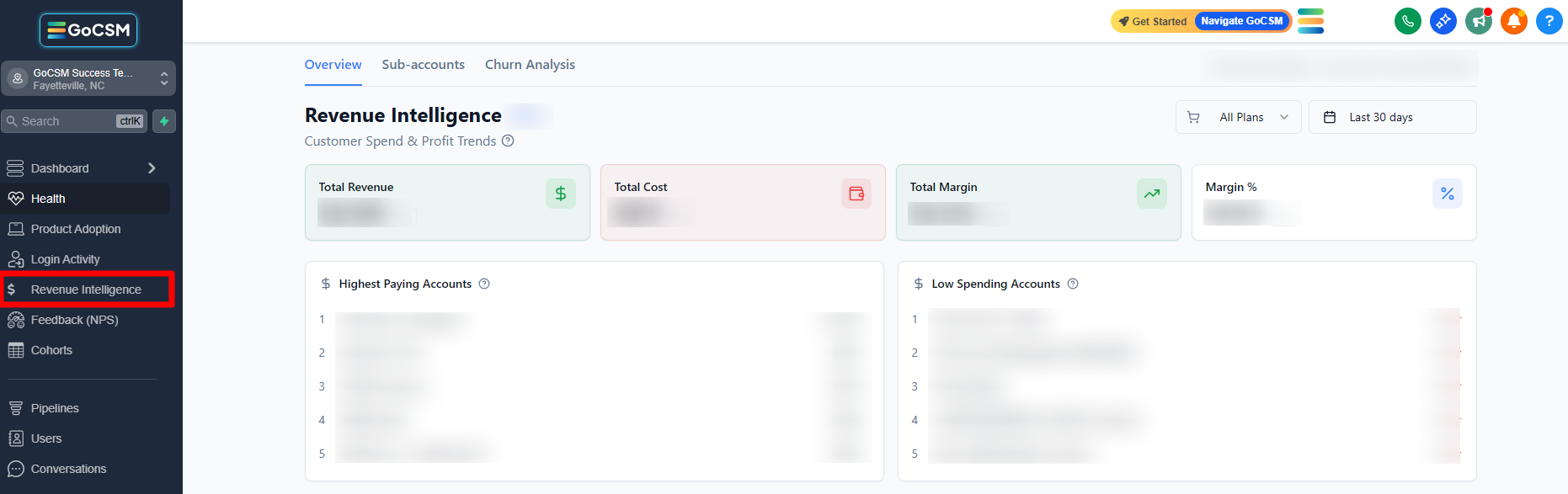
Dashboard → Revenue Intelligence
How It Works
GoCSM calculates revenue metrics using:
Active subscriptions (recurring revenue)
Usage-based wallet spend (for services like SMS, AI, calls, email, ads)
Renewal timing
Payment status for subscription, add-on, and wallet payments.
Data is synced nightly, so metrics are designed for trends and decisions, not same-day billing reconciliation.
Key Revenue Metrics Explained
Total Revenue
The total revenue generated during the selected time period.
Includes subscription revenue
May include usage-based wallet spend, depending on the service
Best used to understand overall performance, not profitability
Monthly Recurring Revenue (MRR)
The predictable revenue you expect each month from active subscriptions.
Subscription-based only
Does not include usage-based wallet charges
Used as the foundation for revenue stability analysis
Average Revenue Per Account
The average amount of revenue generated per active account.
Helps measure account value
Useful for identifying expansion opportunities
Can decline even when total revenue looks stable
Cost
The cost associated with delivering services to customers.
Commonly tied to usage-based services
Not all plans or services have costs
Margin
The amount left after cost is subtracted from revenue.
Shows profitability by account, plan, or service
High revenue does not always mean high margin
Margin Percentage
How efficient your revenue is.
Shows how much of each dollar you keep
Helps identify profitable vs risky growth
New Revenue
Revenue gained from:
New subscriptions
Subscription upgrades
This reflects growth activity.
Lost Revenue
Revenue lost from:
Subscription cancellations
Subscription downgrades
This highlights revenue contraction.
Revenue Churn
The amount of recurring revenue lost over a period of time.
Focuses on financial impact
More meaningful than customer count alone
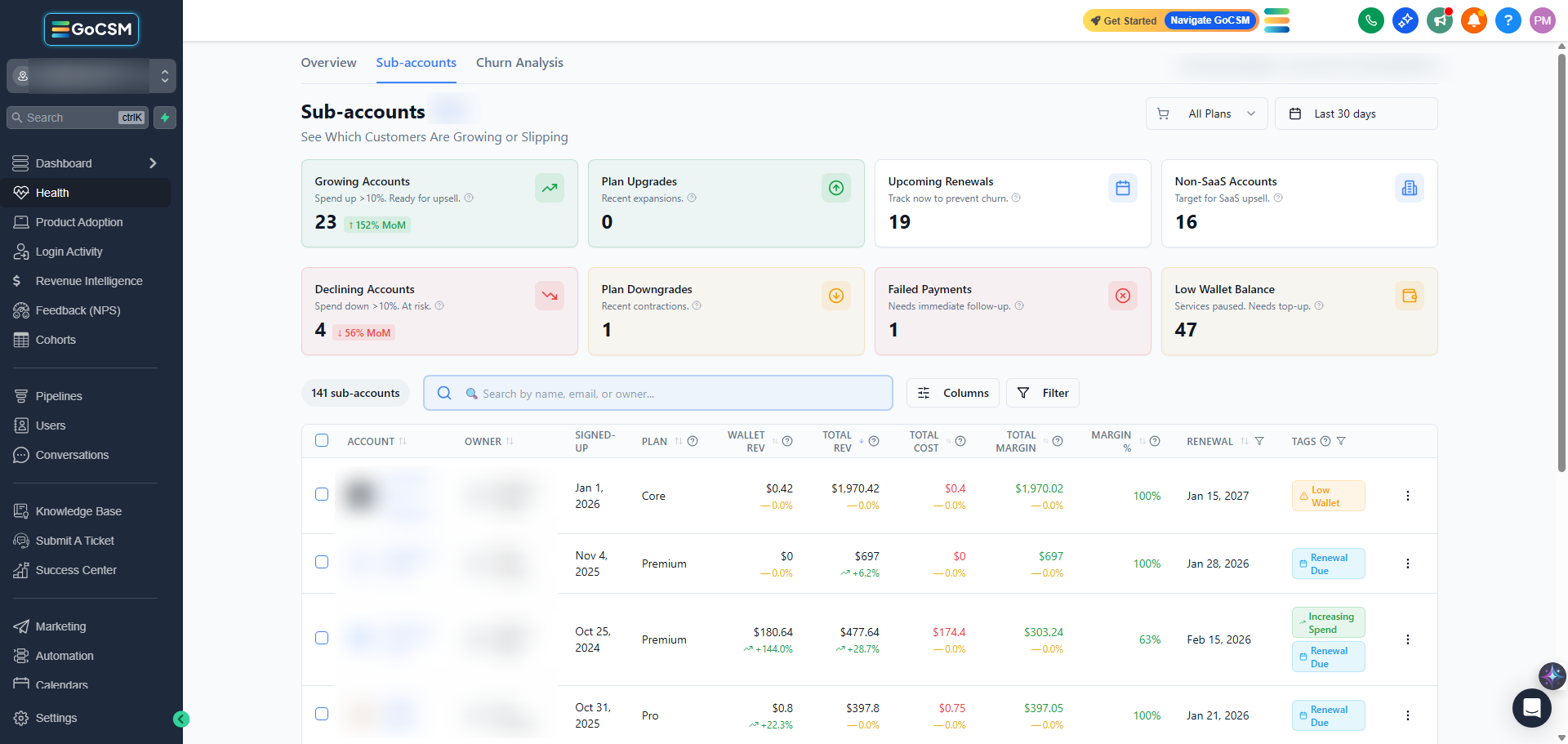
Upcoming Renewals
Subscriptions approaching their renewal date.
Signals upcoming decisions
Opportunity for proactive engagement
Failed or At-Risk Payments
Revenue tied to payment issues.
Includes failed payments and low wallet balance signals
Often an early warning sign of churn
Tips
Look at trends, not single numbers
Always review revenue alongside cost and margin
Pair metrics with Health Status and Product Adoption for context
Who Should Use This
Agency owners
Customer Success Managers
Account managers
Operations and finance teams
Related Articles
How to Use the Revenue Overview Dashboard
Track Monthly Recurring Revenue (MRR)
Understand Cost, Margin, and Profit
Identify Revenue at Risk from Failed Payments