🚀 New Trigger: Feature Assets is Empty Since Sign-Up
What This Update is About
We're excited to announce a new Product Adoption trigger — Feature Assets is Empty Since Sign-Up.
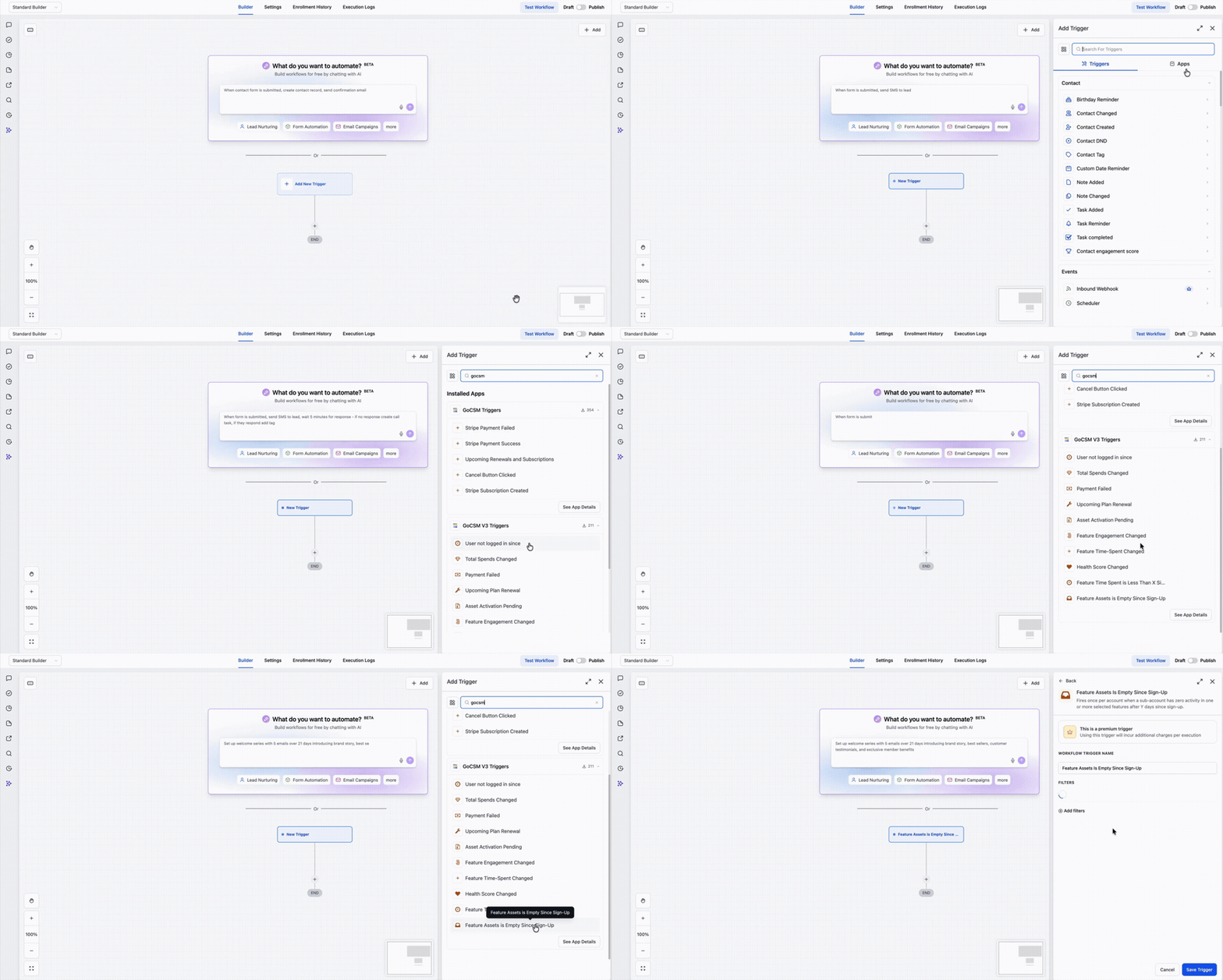
This trigger fires when a sub-account has created zero assets in one or more selected features after a configurable number of days since the account was provisioned. It's the earliest churn signal in the GoCSM trigger library, designed to catch accounts that have never taken a first step — no workflows built, no calendars created, no phone numbers added.
Without this trigger, a stalled onboarding is invisible until it's too late. You'd have to catch it manually from the Subaccounts dashboard — and by then, the client may already be gone. This trigger converts that passive metric into an automated intervention, firing at exactly the right moment with exactly the right context.
👉 Learn More About the Feature Assets is Empty Since Sign-Up Trigger
Key Features
Flexible Time Thresholds Configure the trigger to fire at 3, 7, 14, 30, 60, or 90 days since sign-up — so the intervention window matches your agency's onboarding SLA, not a one-size-fits-all default.
Feature-Level Targeting Select any combination of the 8 tracked features — Contacts, Workflows, Conversations, SMS, Email, Phone, Calendars, and Payment — so you can monitor the features that matter most to your product model and build messaging tailored to each gap.
Single Bundled Payload When multiple selected features are empty, one payload fires with all the context bundled in. {{feature.empty_features}} lists every empty feature by name.{{feature.empty_count}} tells you exactly how many — so you can branch on severity without needing multiple workflow fires.
Built-in Escalation Ladders The Revisit filter lets you re-fire the trigger after 7, 15, 30, 60, or 90 days if the account still hasn't created any assets — turning a one-shot alert into a persistent monitoring loop. Set it to Never for a clean single-fire.
Priority and Plan Filtering Optional filters for Sub-account Priority (High, Medium, Low) and SaaS Plan let you build tiered intervention workflows — routing high-priority accounts to a CSM immediately while sending self-service nudges to lower-tier accounts.
Contactless Execution This trigger runs at the account level and does not require a GHL contact record to execute. No Find Contact step needed.
Why It Matters
Accounts that never create a single asset are your highest churn-risk cohort — and right now, most agencies only discover them reactively. This trigger gives you a structured, automated way to intervene at the exact moment an account crosses your defined threshold, before disengagement sets in.
Use it to send early onboarding nudges, flag accounts for CSM follow-up, or build escalation sequences that increase in intensity if the first touchpoint doesn't move the needle.
Need help with the new Health Dashboard?

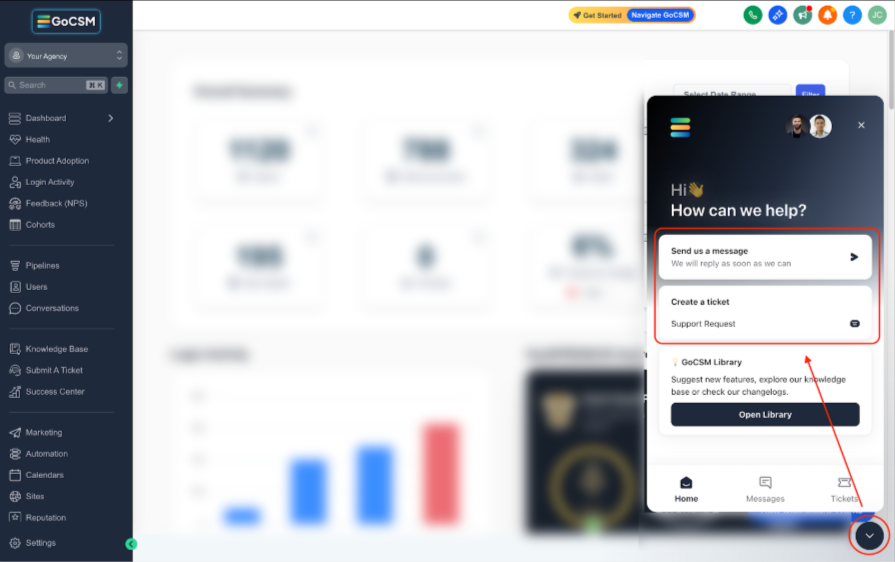
Reach out or submit a ticket through our Chat Widget — we're here to help!