Track Upcoming Renewals Before They Happen
Written By GoCSM
Last updated 4 months ago
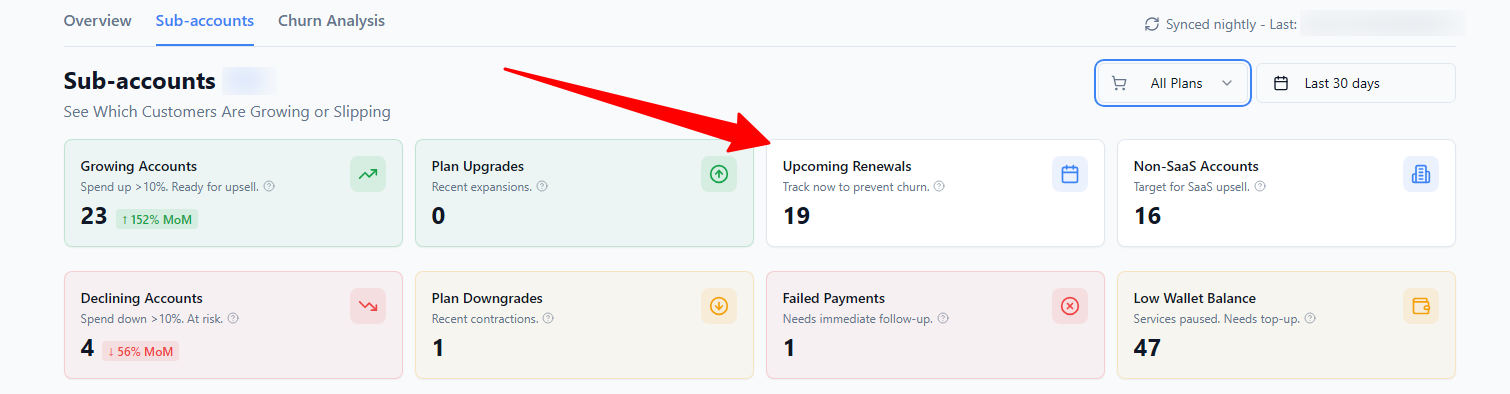
This card shows subscriptions that are approaching their renewal date so you can take action before a renewal decision is made.
It helps you stay proactive instead of reacting after a customer has already cancelled or downgraded.
Why This Matters
Most churn happens at renewal.
Tracking renewals early helps you:
Start conversations at the right time
Reinforce value before decisions are locked in
Reduce surprise cancellations
Improve renewal and retention rates
Renewals are one of the most controllable moments in the customer lifecycle.
Where to Find It
Path: Dashboard → Revenue Intelligence → Subaccounts → Upcoming Renewals
Where to Find It
GoCSM monitors subscription renewal dates and flags accounts that are approaching renewal.
This gives you time to:
Review account health
Check product adoption and usage
Address concerns before renewal decisions are finalized
Renewal data is synced nightly and reflects upcoming decision windows, not real-time billing changes.
What Upcoming Renewals Mean (and Don’t Mean)
An upcoming renewal does not mean a customer will cancel
It does not mean payment has failed
It does mean attention and preparation are required
Treat renewals as an opportunity, not a warning.
How to Prioritize Renewals
Prioritize accounts that have:
Low Health Status
Low Product Adoption
Declining revenue or margin
Past payment issues
These signals combined indicate higher renewal risk.
Automate This with Workflow Triggers
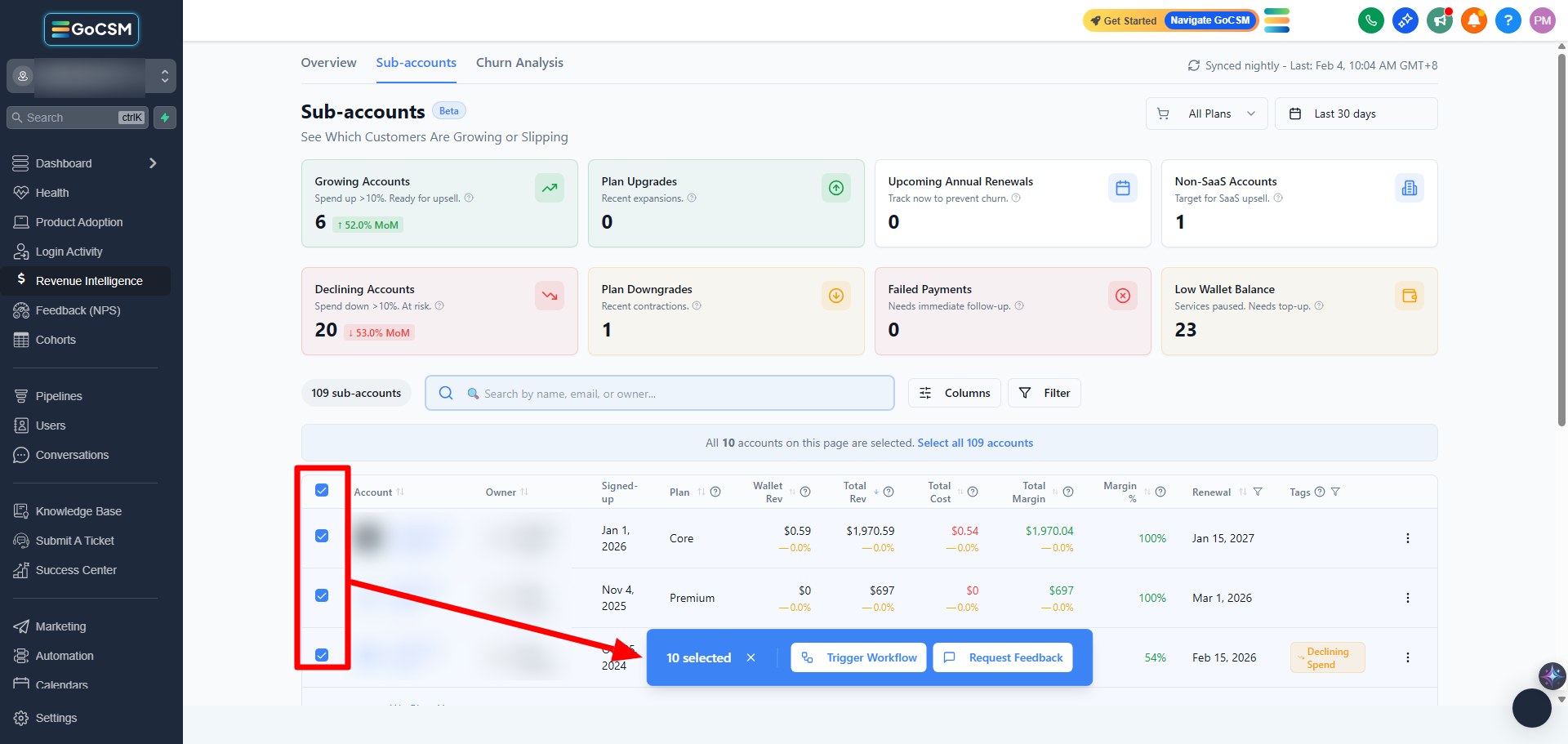
You can automatically or manually take action when these signals appear using Workflow Triggers such as triggering GoHighLevel workflows or requesting feedback directly from the table.
Tips
Review upcoming renewals weekly
Assign clear ownership for renewal outreach
Start conversations early, not days before renewal
Who Should Use This
Customer Success Managers
Account managers
Agency owners
Related Articles
Understand Revenue Churn and Risk
Identify Revenue at Risk from Failed Payments
Review Revenue at the Account Level
How Revenue Data Impacts Customer Health
Was this helpful?
Still need help? Ask the team